Own the account
Individual vs. organization enrollment, seller identity, roles, and giving a developer only the access they need.
A first-timer's guide from a builder whose work includes two #1 apps
A step-by-step guide to Apple Developer enrollment, the store listing, testing, and submission.
Why this guide
I'm Jeremy, the founder of STUDIO 3000. I've spent more than a decade building and leading mobile and web products across agencies, startups, and enterprise organizations. I've shipped more than 50 iOS apps for companies, including two that reached #1.
I've built apps for Jordan, Nike, Marriott, McDonald's, Coca-Cola, Dunkin' Donuts, Bud Light, Adult Swim, Kevin Hart, Ariana Grande, Lady Gaga, and more.
Three of the 51, exactly as shipped.
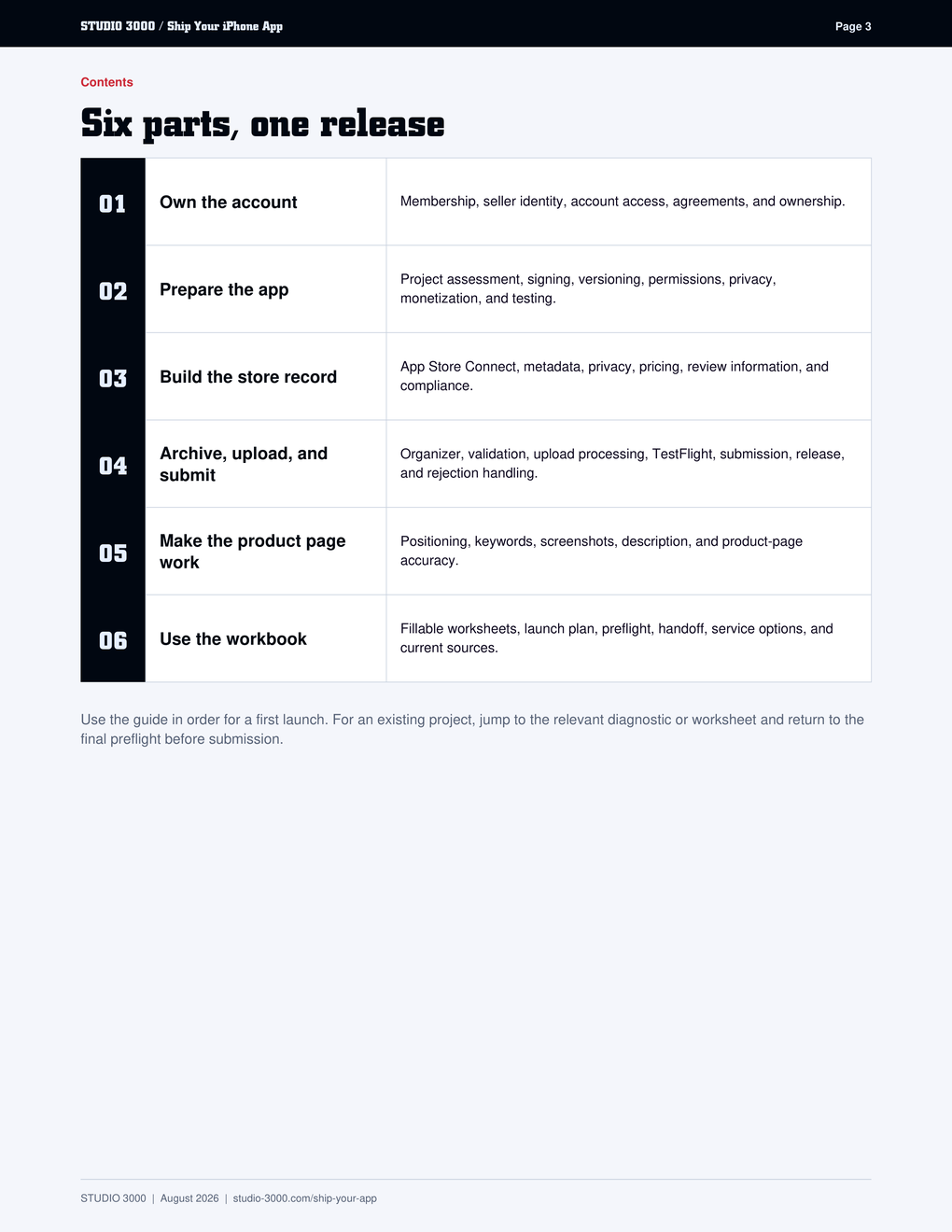
Individual vs. organization enrollment, seller identity, roles, and giving a developer only the access they need.
Signing, bundle identity, permissions, privacy, monetization, and testing – checked before you archive.
App Store Connect, metadata limits, privacy labels, pricing, and review information Apple can act on.
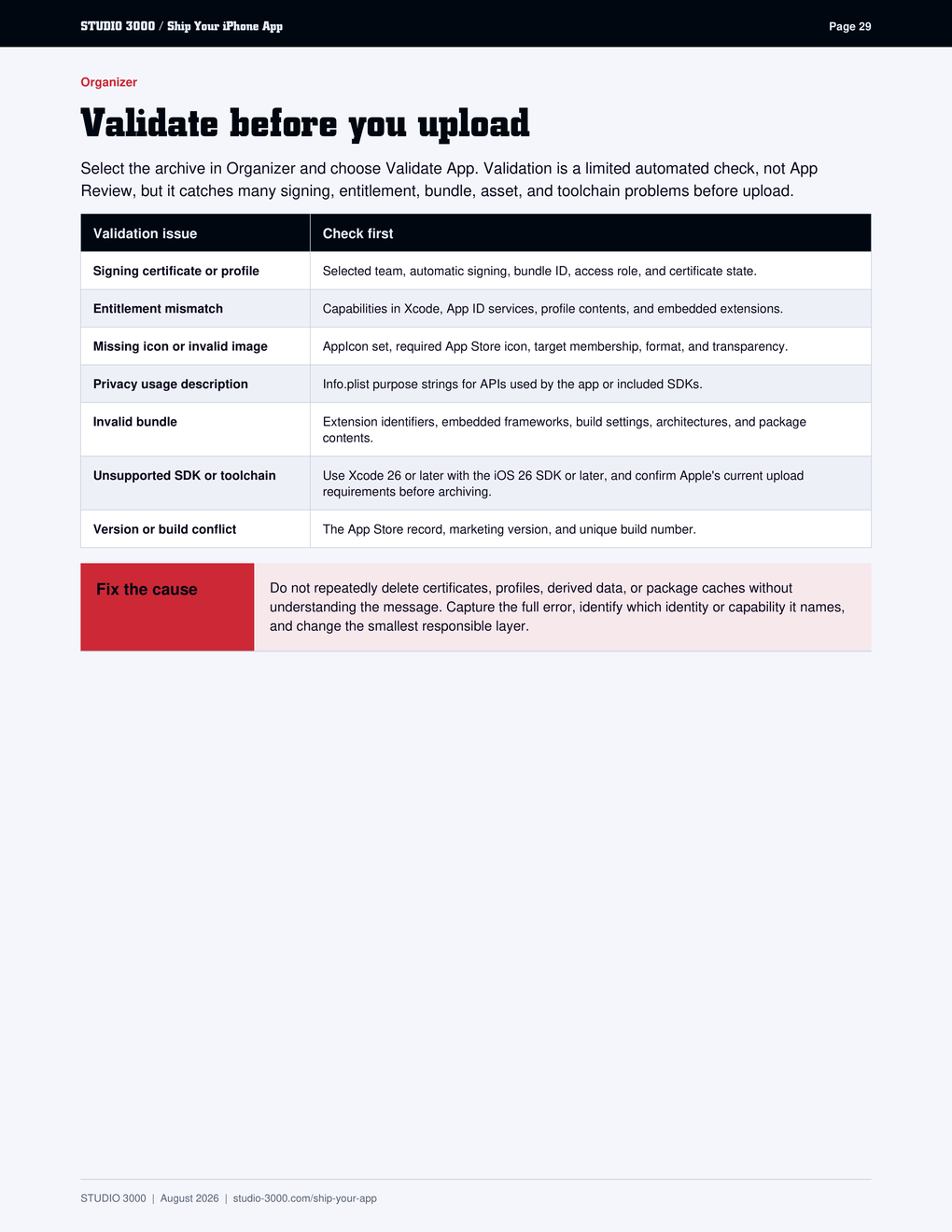
Xcode Organizer, validation, TestFlight, release control, and what to do when App Review says no.
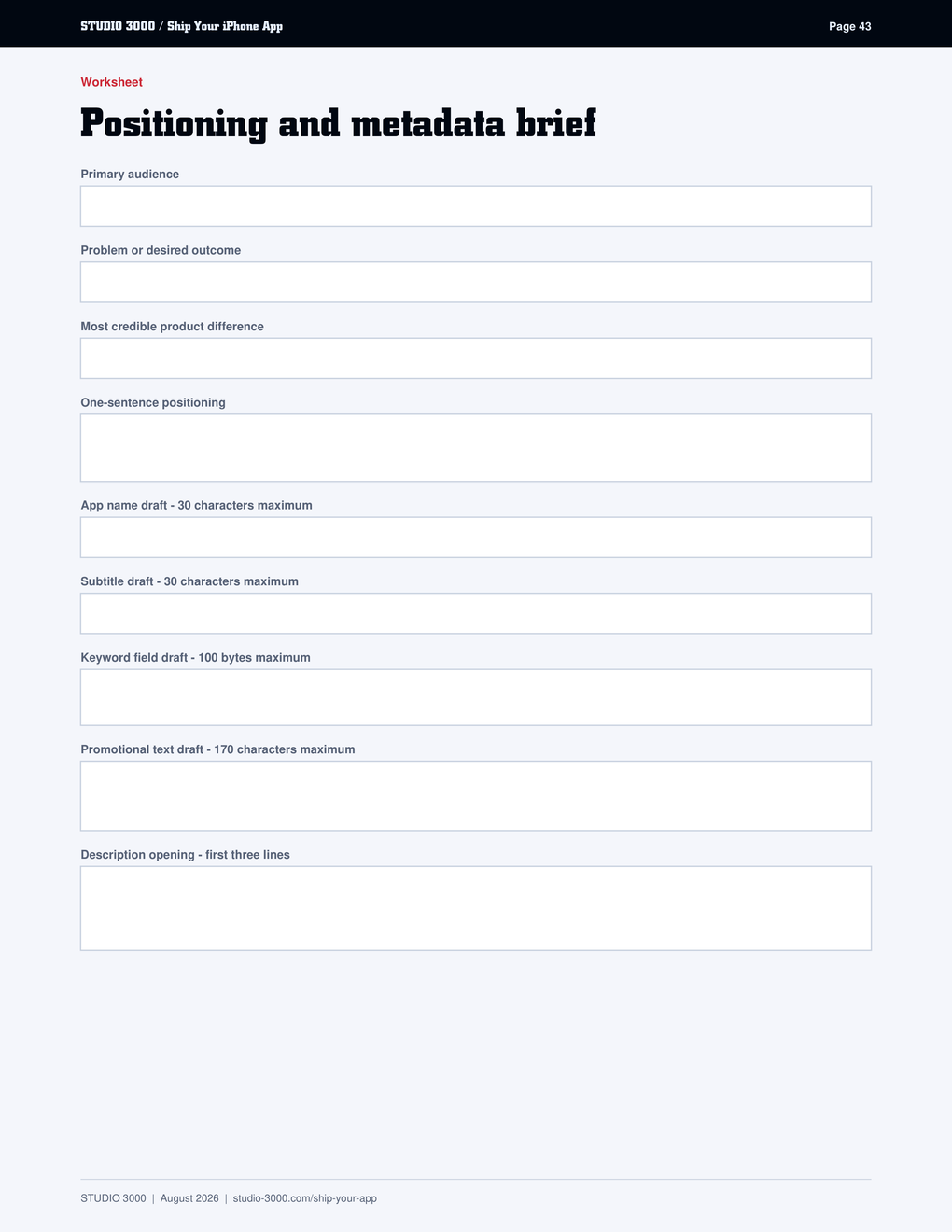
Positioning, keywords, a screenshot story, and a description that sells without overpromising.
Ownership, metadata, privacy, screenshots, review notes, launch, and handoff worksheets in one place.
No. It gives you the complete release path and workbook. Studio 3000 services are there when you want the release handled for you.
For the Xcode archive and upload path covered here, yes. You also need the app's source project and an active Apple Developer membership.
Yes, if you have a real Xcode project you can build and test. The ownership, privacy, signing, listing, and review work is the same.
Yes. Subscribe to This Week in the Lab using the form above, then download the PDF from the thank-you page. Unsubscribe anytime and keep the guide.
The guide is dated and links to Apple sources because requirements change. You receive the current edition, and new editions are announced in the newsletter.
Use the guide and get your first app live. Or bring in STUDIO 3000.